Your League rank, right in your bio.
Pick your rank in Solo/Duo or Flex, from Iron to Challenger, with your LP and your role. Add your Riot ID and your region, and your OP.GG and U.GG profiles are linked for you. Then add your clips, your Discord status and the other games you play.
Free — every block and every template.
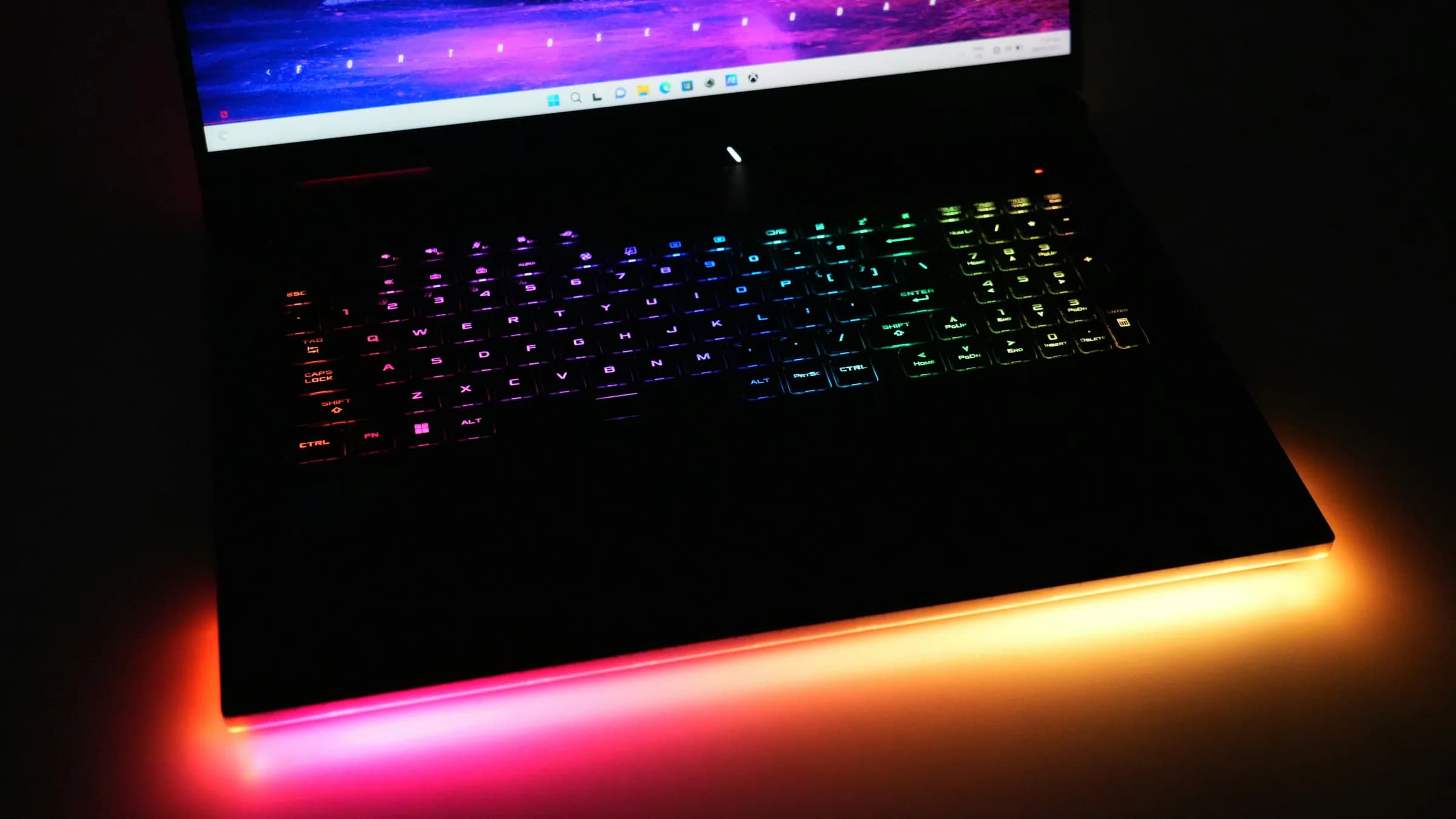

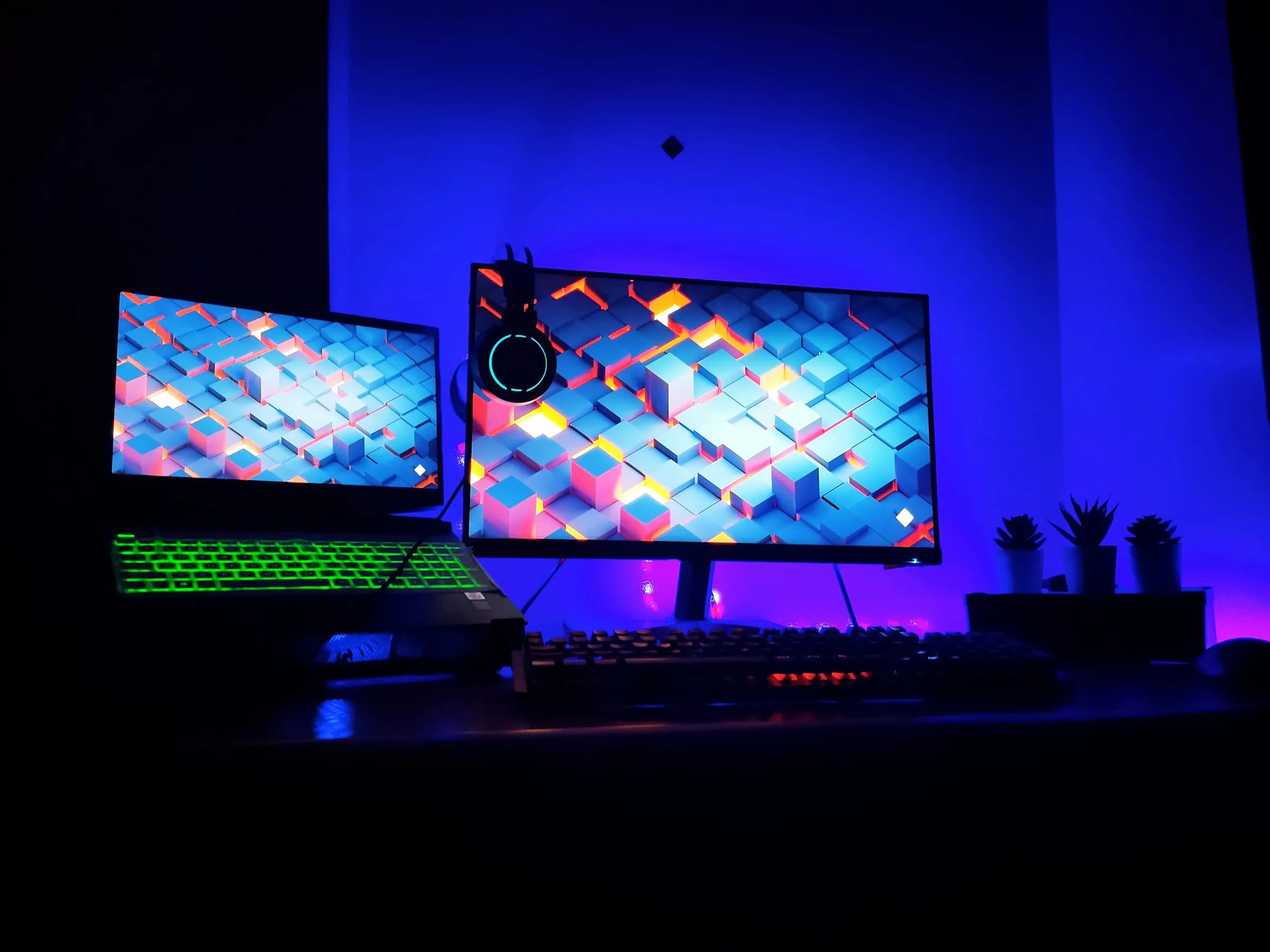

What your page starts with.
Every block can be edited, moved or removed, and the others are one tap away.
Identity
Your name, your handle, one line about you.
Ranks
Your rank in every game you play — with links to your tracker profiles.
Gaming
The game, the rank, the role.
Video
A YouTube video or your Twitch — it loads only when someone presses play.
Gallery
A handful of images, as a grid or a strip.
Links
Anywhere else people can find you.
Three steps, five minutes.
Claim your name
hokora.page/yourname — one address for everywhere you are.
Start from the template
Your page arrives built: the layout, the colours, and example content, flagged until you replace it.
Publish and share
Replace the examples, publish, and share the link — or its QR code.
Something closer to you?
Start from another template instead. You can switch later — your blocks stay.
Streamer
Your channel, your schedule, where the community hangs out.
Start with StreamerAnime & manga
What you’re watching, what you’re reading, your all-time shelf.
Start with Anime & manga